Protect Your Children in the Digital World

ICTRL is the smartest way to keep your kids safe online while helping them build healthy digital habits.
App Screenshot 1
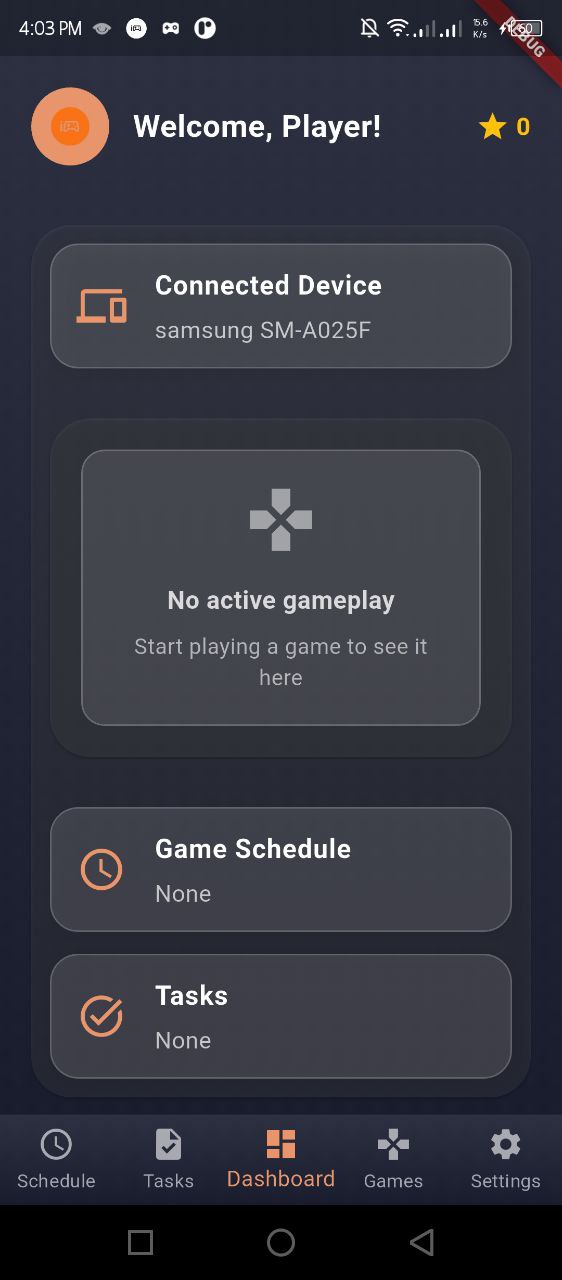
Welcome to ICTRL! The smart way to ensure your children's safety in the digital world.
App Screenshot 2
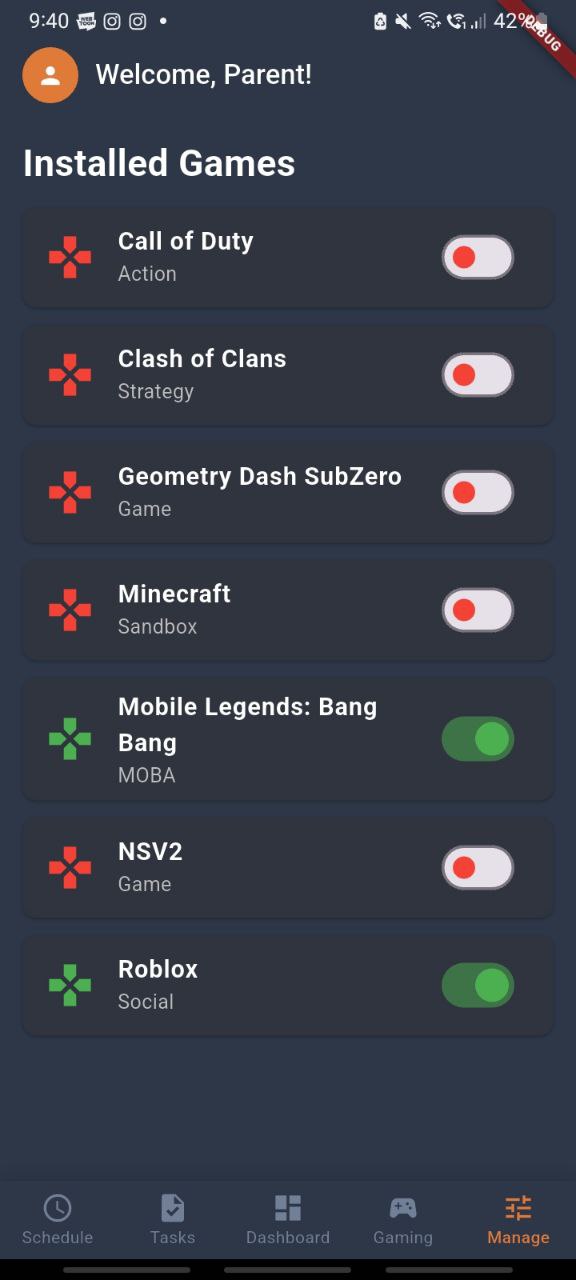
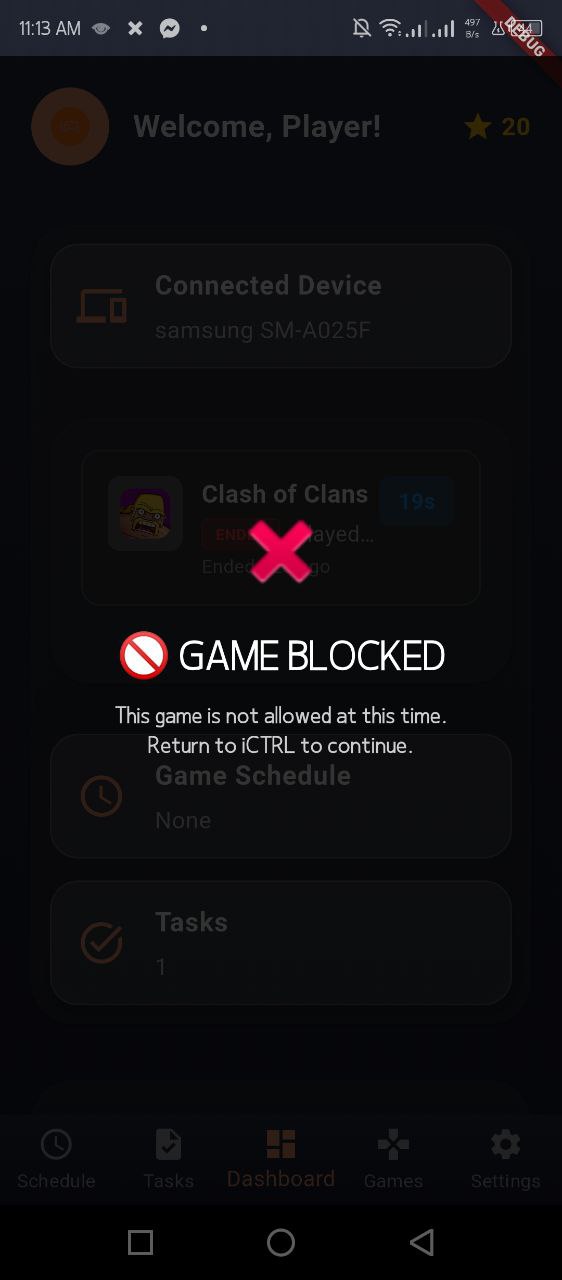
Restrict Games with ease.
App Screenshot 3
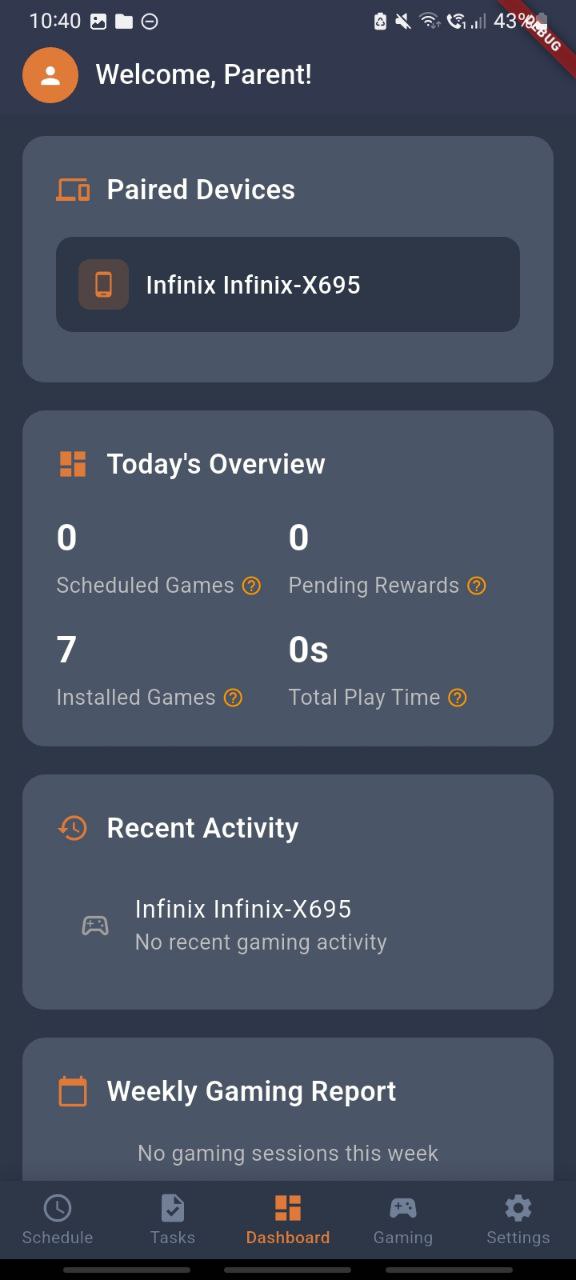
Monitor gaming habits, screen time, and online activity with ease.

Powered by

This Mobile Application are associated with the following

Flutter Dart Firebase

Key Features

Screen Time Monitoring

Track and limit your child's screen time across all devices with intelligent reporting.

Game Management

Pause games remotely when time is up or when it's time for homework or dinner.

Smart Notifications

Receive alerts about your child's gaming activities and online behavior.

Detailed Analytics

Get insights into your child's gaming habits with comprehensive reports and trends.

Easy Setup

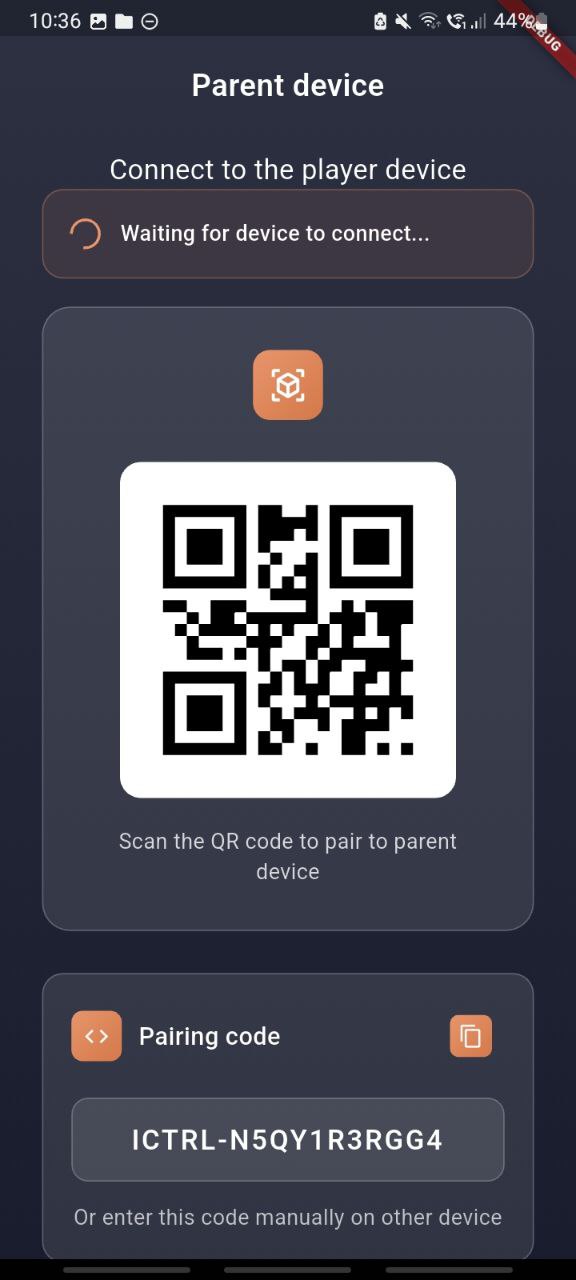
Quick and simple configuration process with QR code pairing between devices.

Game Restrictions

Restrict or block specific games, apply rules, and remotely pause gameplay to help enforce healthy playtime.

Why Choose ICTRL?

ICTRL is designed by parents for parents, with a focus on balancing digital safety with healthy technology use. Our app helps you protect your children while teaching them responsible digital habits.

🛡️

Safety First

We prioritize your child's safety with advanced monitoring features and real-time alerts.

🔒

Privacy Focused

All data is encrypted and stored securely. We never sell or share your family's information.

🤝

Build Trust

Designed to foster open communication between parents and children about digital habits.

📊

Data Insights

Get actionable insights into your child's digital behavior to help guide conversations.
How to use the App?

For Parents

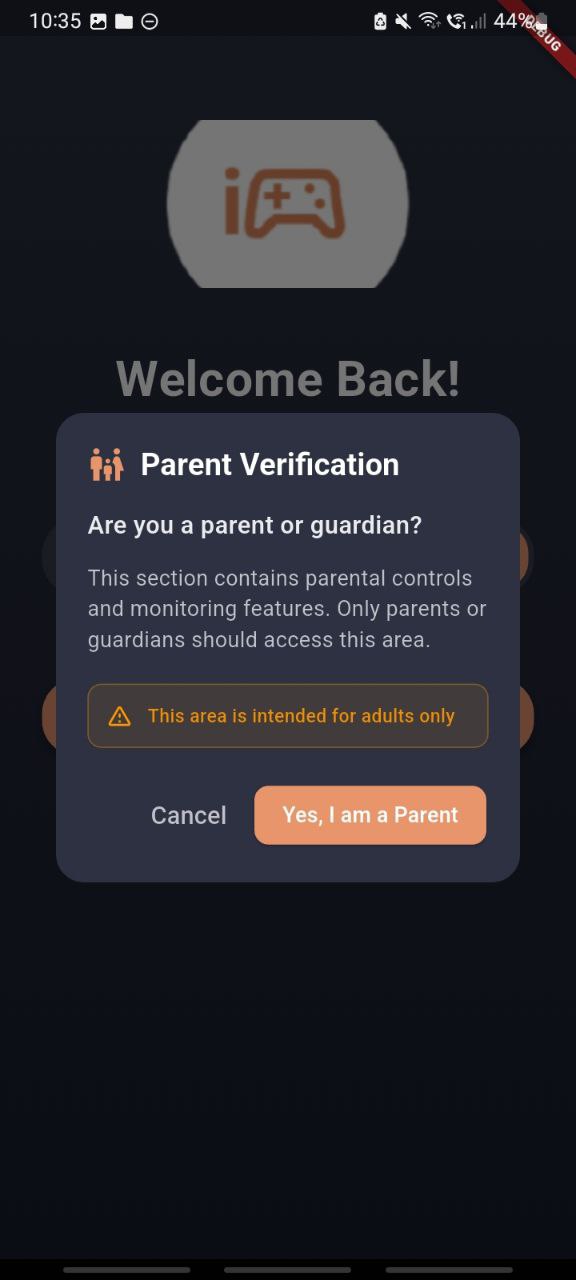
Parent verification welcome screen
Parent Verification — Tap "Yes, I am a Parent" to access parental controls and monitoring features. (Only parents/guardians should proceed.)
QR code pairing screen
Scan to Pair — Open the Player app on your child's device and scan this QR code to pair devices quickly and securely.
Device pairing confirmation screen
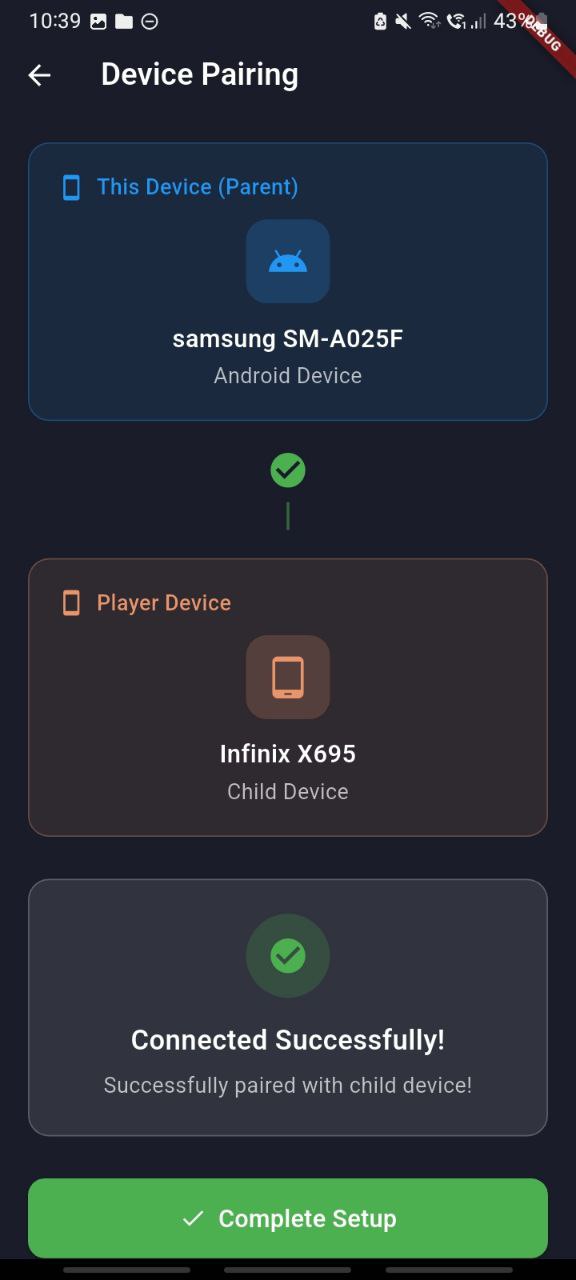
Device Pairing — Confirm the parent and player devices listed, then tap the confirm/check to complete pairing.
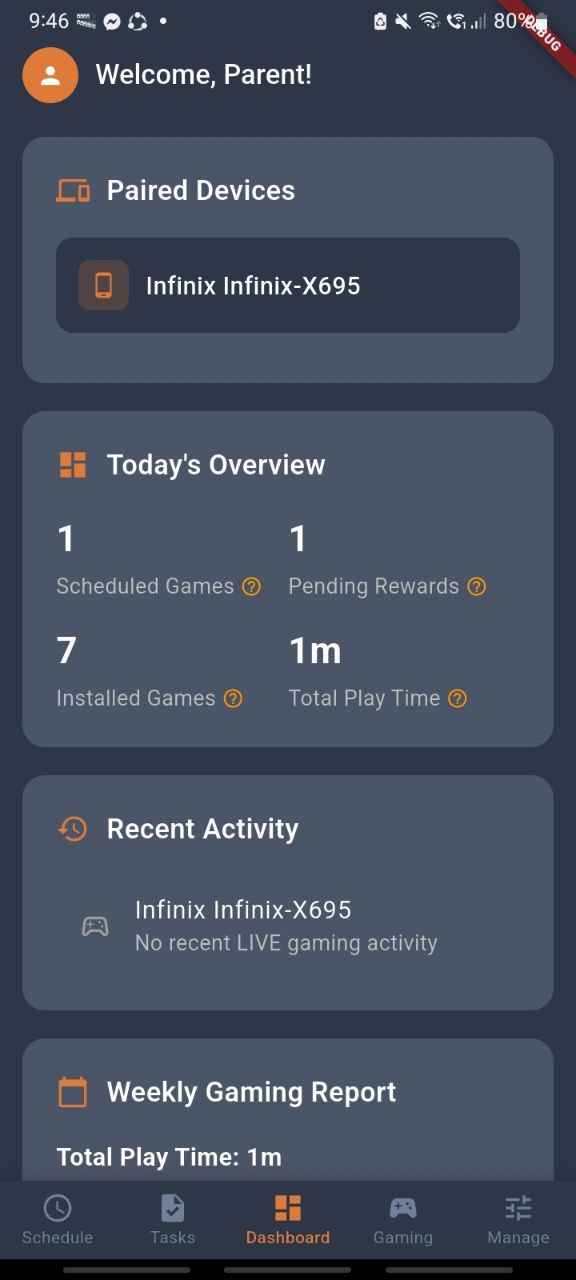
Parent dashboard overview
Parent Dashboard — View paired devices, today's overview (scheduled games, installed games, total play time), recent activity, and weekly reports.

For Players

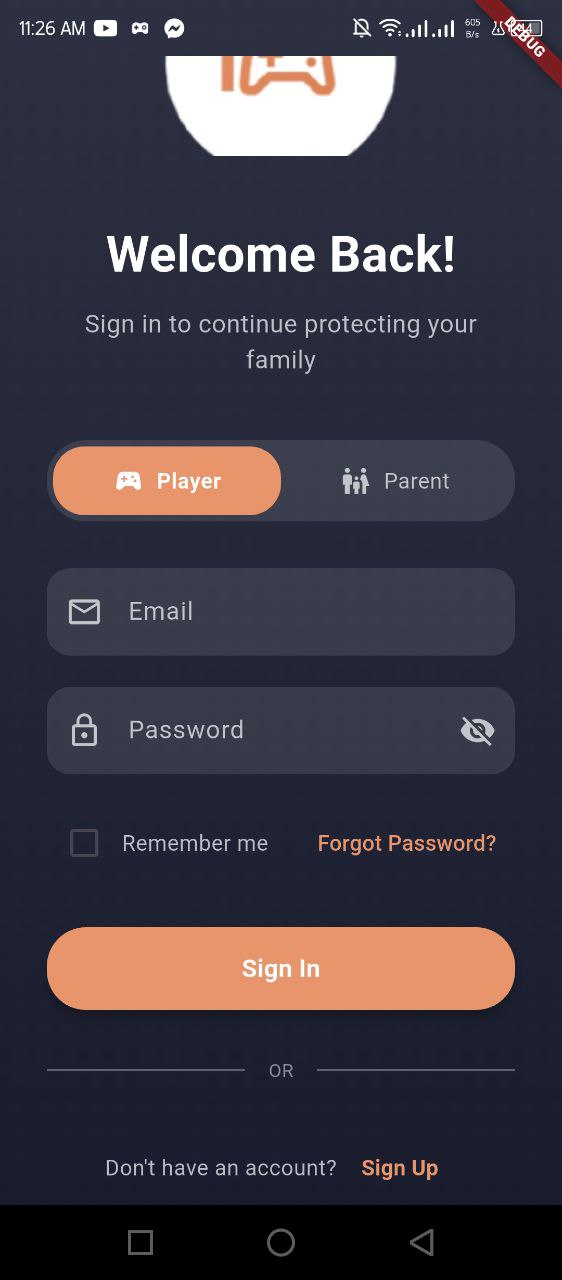
Player welcome/login screen
Welcome (Player) — The player app home / login screen.
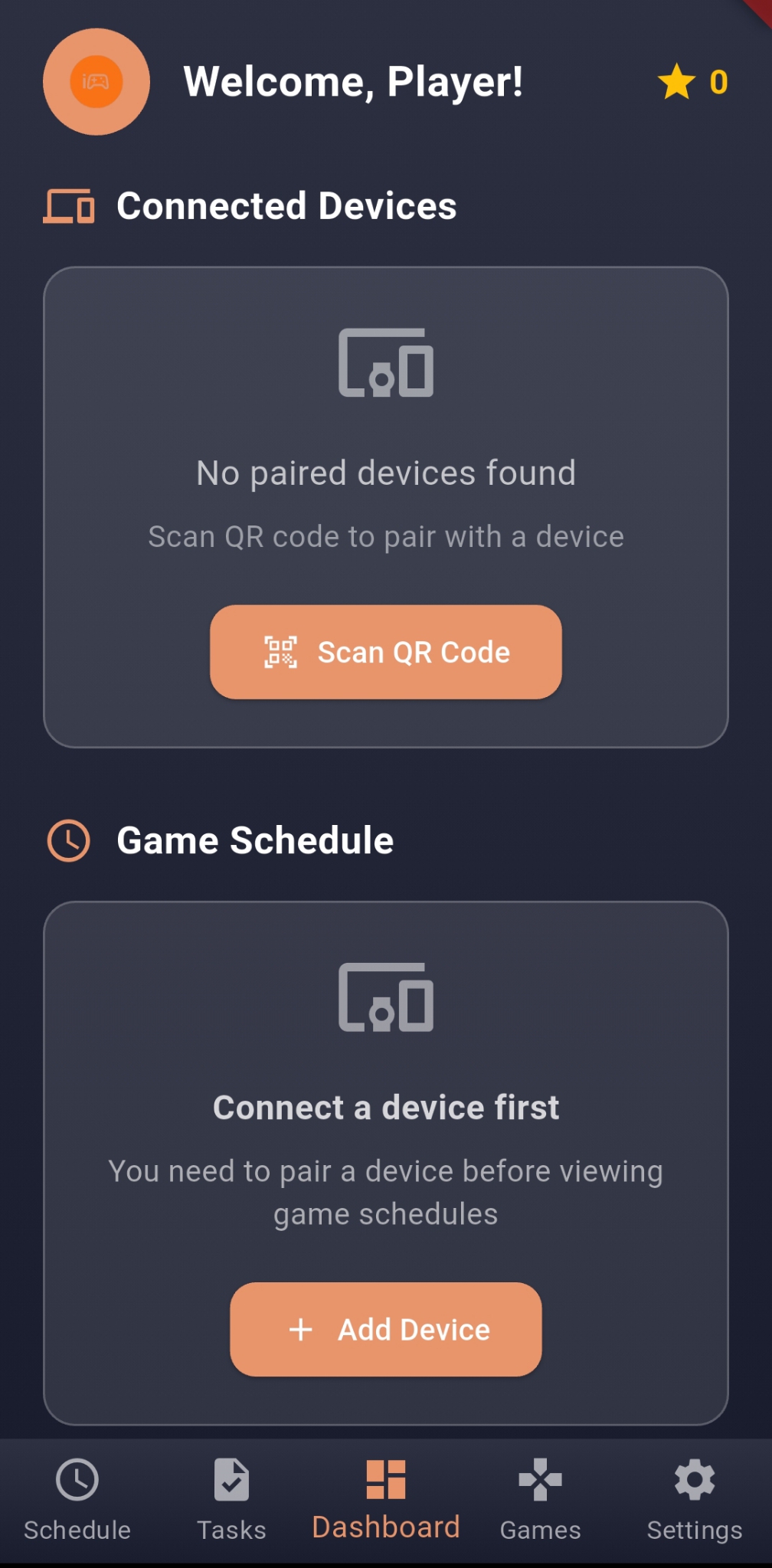
Player empty dashboard screen
Empty Dashboard — Shows no connected parent device yet and prompts scanning.
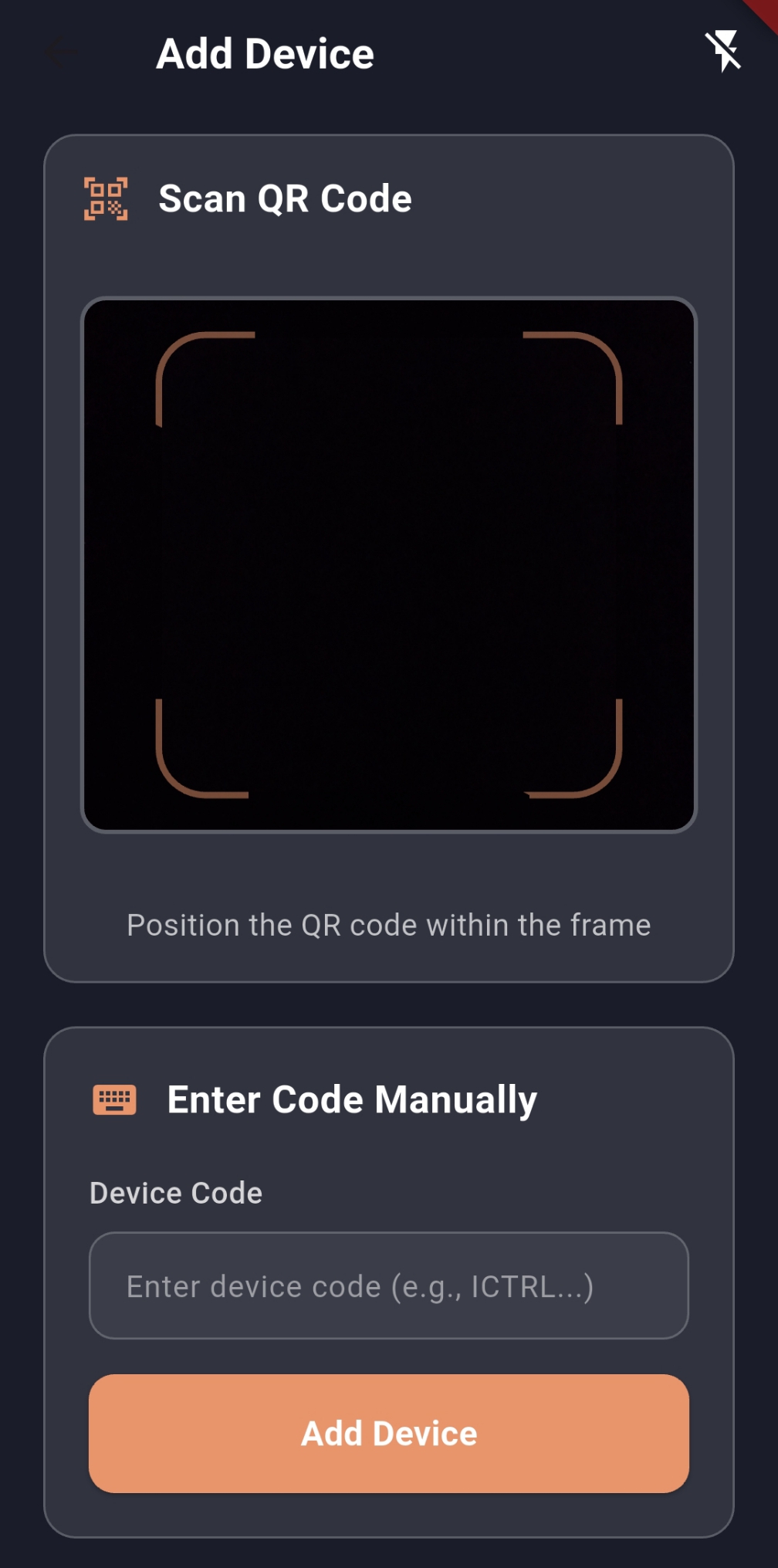
Player scan QR code screen
Scan Parent QR — Use this to scan the parent's QR code for pairing.
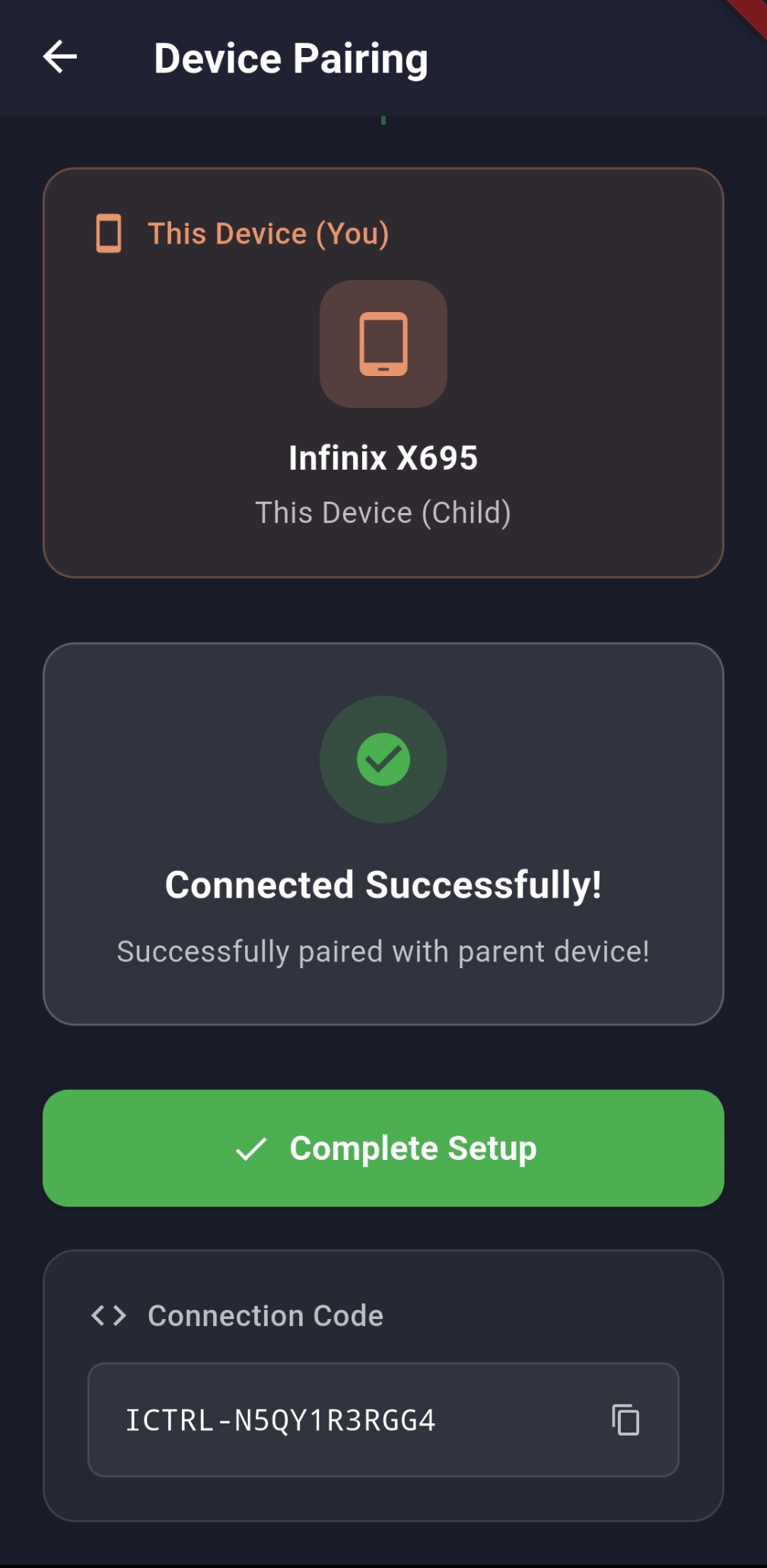
Finish setup / connected confirmation
Finish Setup — Confirm connection and tap "Complete Setup" to finalize pairing.
Player dashboard connected
Player Dashboard — See allowed games, remaining play time and activity once connected.

Download ICTRL Today

Available Android. Start protecting your children online now.

Feedback